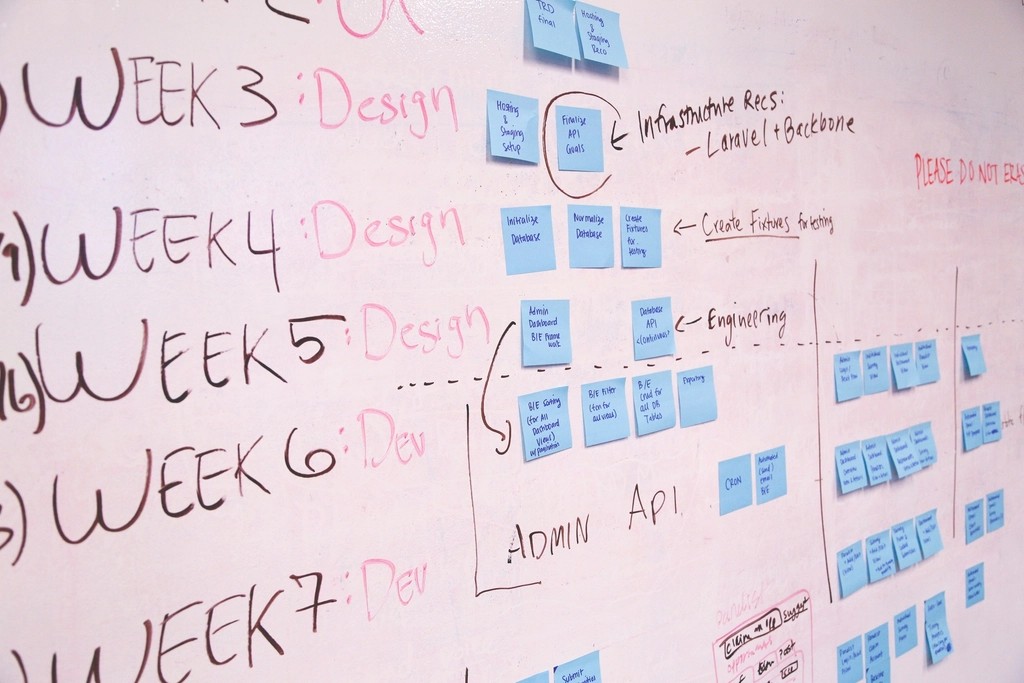
Design thinking is a structured way to solve problems by starting with people rather than with features. It gives you a set of stages to move through so you do not jump straight from a vague idea to a finished screen. In this lesson you will learn the two most common models of the design thinking process – the five-stage model popularised by the Stanford d.school and the Double Diamond from the UK Design Council – and see how they apply to a real-world brief.
The five stages of the design thinking process
| Stage | Goal | Typical activities |
|---|---|---|
| 1. Empathise | Understand users and their context | Interviews, observation, reviewing support messages |
| 2. Define | State the right problem clearly | Problem statements, personas, “How might we…?” questions |
| 3. Ideate | Generate many possible solutions | Sketching, Crazy 8s, brainstorming, mind maps |
| 4. Prototype | Make ideas tangible and cheap to test | Paper sketches, wireframes, clickable Figma prototypes |
| 5. Test | Learn what works and what does not | Usability tests, feedback sessions |
Tip: The stages are not a one-way ladder. Testing often sends you back to Define or Ideate. Several stages can also run in parallel on a real project.
The Double Diamond
The Double Diamond describes the same idea as two shapes. Each diamond first opens out (diverge: explore widely) and then narrows down (converge: make choices).
- Discover – explore the problem space and learn from users (diverge).
- Define – make sense of what you learned and agree on the core problem (converge).
- Develop – explore many possible solutions (diverge).
- Deliver – test, choose and refine the solution that works (converge).
The first diamond is about designing the right thing; the second is about designing the thing right. Many failed products skipped the first diamond and built a polished answer to the wrong question.
A worked example: a college website
Suppose a college in Pondicherry asks you to “redesign the website because it looks old”. Here is how design thinking changes the brief.
Empathise
You talk to six people: students, a parent and two office staff. You learn that parents mostly visit to check admission dates and fees, students want exam timetables and results, and office staff answer the same phone questions about deadlines every day.
Define
The real problem is not that the site “looks old”. A good problem statement could be: “Parents of applicants need to find admission dates and fee details quickly on a phone, because missing a deadline means waiting a whole year.” From it you write a “How might we…?” question: How might we make key dates impossible to miss?
Ideate
Sketch at least eight ideas without judging: an “Important dates” strip on the home page, an admissions page organised as a checklist, SMS or email reminders, a downloadable calendar file, a fee calculator by course.
A popular technique here is Crazy 8s: fold an A4 sheet into eight panels and sketch one idea in each panel, spending about one minute per panel. The time limit stops you from polishing and pushes you past the first obvious idea. Afterwards, the team marks the strongest parts of each sketch with dots and combines them. Quantity first, quality later – judging too early kills unusual ideas that might turn out to be the best ones.
Prototype and test
Build two of the ideas as quick wireframes, link them in Figma, and ask five parents to find the last date to apply. Watch where they hesitate. Keep what works, fix what does not, and test again.
Watch out: A common beginner mistake is spending most of the time in Prototype – making beautiful screens – and almost none in Empathise and Define. If the problem statement is weak, everything built on it is weak too.
Checklist for each stage
- Empathise: Have I spoken to real users, not just guessed?
- Define: Can I write the problem in one sentence that names the user, the need and the reason?
- Ideate: Did I produce several different ideas before choosing one?
- Prototype: Is the prototype just detailed enough to answer my current question?
- Test: Did I watch people try it, and note what actually happened rather than what they said they liked?
The blog post Design thinking explained covers workshop formats and more examples. In the next lesson we focus on the Empathise stage and the basic methods of user research.