Many teams have personas. Few teams use them. The typical story: someone makes a set of colourful persona posters with stock photos, favourite brands and a witty quote, everyone admires them in a meeting, and then they live in a shared drive folder that nobody opens again.
A persona is supposed to be a working tool. Nielsen Norman Group describes it as a fictional yet realistic description of a typical or target user, based on research. Its job is to help a team make decisions with real people in mind, and to give everyone a shared vocabulary: “Would Meena understand this screen?” is a faster, more concrete question than “Would users understand this?”
This user personas guide shows how to create personas that are grounded in evidence, focused on what affects design, and actually used. For the basics of the method, see our lesson User Personas.
What a persona is, and what it is not
| A persona is | A persona is not |
|---|---|
| A summary of patterns found in research with real users | A guess about an “average” user made in a meeting |
| Focused on goals, tasks, context and frustrations | A demographic profile or a marketing segment |
| One of a small set of distinct user types | A description of everyone who might ever use the product |
| A reminder of who you are designing for | A replacement for talking to and testing with users |
Personas are different from marketing segments. A segment groups people by who they are and what they buy (age, income, location). A UX persona groups people by how they behave and what they are trying to achieve. Two people of very different ages can share the same persona if they use the product in the same way.
Three ways to build personas
NN/g describes three types of persona, depending on how much research goes into them:
| Type | Based on | Good for | Risk |
|---|---|---|---|
| Proto-persona (lightweight) | The team’s existing knowledge and assumptions, in a short workshop | Making assumptions visible and agreeing what to research | Can be wrong and can reinforce existing beliefs |
| Qualitative persona | Interviews and observation with a small set of users | Most teams; a good balance of effort and value | Cannot tell you what percentage of users each persona represents |
| Statistical persona | Qualitative research plus a large survey analysed statistically | Large products that need to size each group | Costly, needs statistical skills |
If you start with proto-personas, label them clearly as assumptions and plan research to check them. Do not let a workshop guess quietly become “the persona”.
Step by step: creating qualitative personas
1. Define the question
Personas are always for something. Write down the product area and the decisions they will inform, for example: “Who books guided day trips from Puducherry, and what do they need when choosing and booking a trip?” A narrow focus keeps your interviews useful.
2. Do the research
Interview people who use the product or are in the target group, and, if you can, watch them do the task in their own context. Ask about recent, real behaviour (“Tell me about the last trip you booked”) rather than opinions about the future (“Would you use a feature that…”). Our user research basics lesson covers interview techniques. Existing data such as support tickets, analytics and reviews can add evidence, but it does not replace talking to people.
3. Look for patterns
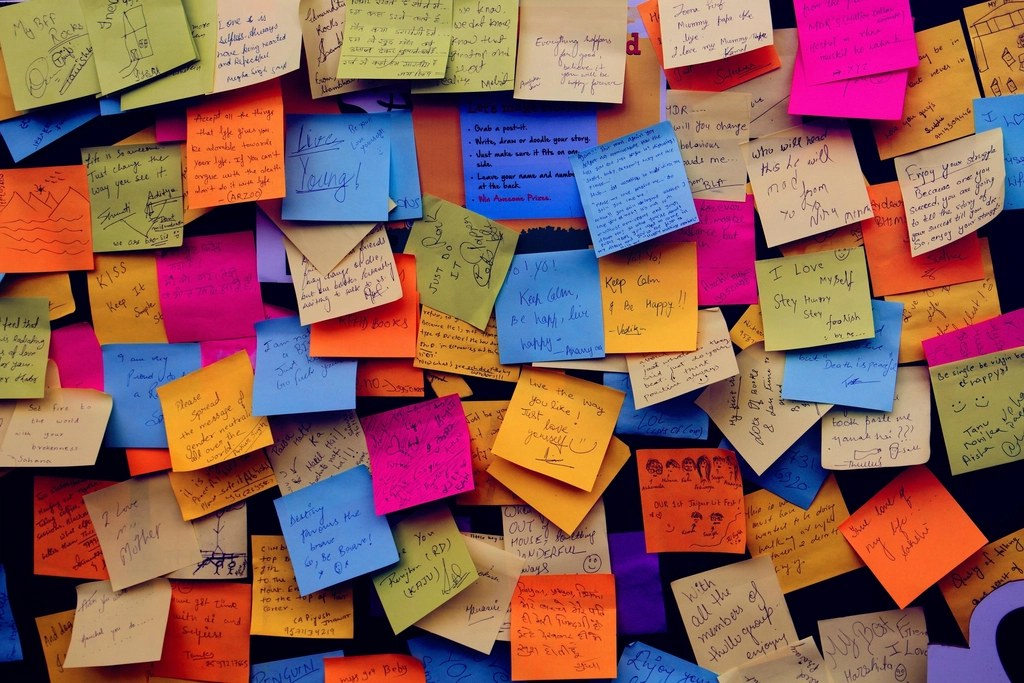
Write individual observations on sticky notes (physical or in a FigJam board) and group them. Look for behaviours and goals that separate people, not demographics. Useful dimensions are often described as scales: planning ahead vs. booking last-minute, price-driven vs. experience-driven, confident with apps vs. prefers phone calls. Map each participant on these scales; clusters of people who sit together become your persona candidates.
4. Choose a small set
NN/g suggests that a typical product needs only a few personas (they mention three to six) that are memorable and clearly distinct. Then decide which one is your primary persona: the one whose needs win when there is a conflict. Without a primary persona, you are designing for everybody, which usually means designing for nobody.
5. Write the persona
Keep it to one page. Every detail should help someone make a design decision. Here is a useful structure:
| Section | What to write |
|---|---|
| Name and short descriptor | A realistic name and a behaviour-based title, e.g. “Meena, the careful planner” |
| Context | Where, when and on what device they use the product; relevant constraints |
| Goals | What they are trying to achieve, in their words |
| Key tasks | The 3–5 tasks that matter most to them in your product |
| Frustrations | What gets in their way today, with evidence from research |
| Behaviours and attitudes | How they decide, what they trust, how confident they are with technology |
| Quote | A real, representative statement from research, not an invented slogan |
| What this means for design | Two or three concrete implications for the team |
A worked example
Here is a short persona for a fictional day-trip booking app. It is an illustration of the format, not real research data.
| Persona | Meena, the careful planner |
|---|---|
| Context | Plans family trips weeks ahead, on her phone in the evenings, often comparing options with her husband |
| Goals | Choose a trip that suits her parents’ mobility; know the total cost and timings before paying |
| Key tasks | Compare itineraries; check pick-up point and walking involved; book for several people; share details on WhatsApp |
| Frustrations | Hidden extra charges at checkout; vague descriptions like “easy walk”; having to call to ask simple questions |
| Behaviours | Reads reviews carefully; screenshots details; abandons booking if anything is unclear |
| Design implications | Show the full price early; describe walking distance and steps precisely; make trip details easy to share |
Notice what is not there: no favourite brands, no star sign, no hobby list. Those details feel personal but do not change any design decision, and they distract from the ones that do.
Making personas part of everyday work
Creating personas is the easy part. These habits keep them alive:
- Introduce them properly. Walk the team through the research behind each persona, so people trust them.
- Use names in discussions. In design reviews, ask “How does this work for Meena?” rather than “for the user”.
- Attach them to work. Link the relevant persona in feature tickets, and write user stories from their point of view.
- Design scenarios. Combine a persona with a realistic situation: “Meena books a trip for six people, including two seniors, on a Sunday evening.” Use scenarios for wireframing and for writing test tasks.
- Prioritise with them. When the backlog is full, ask which items matter most to the primary persona.
- Keep them visible. Put the one-page versions at the start of your Figma file or design system documentation.
- Update them. Review personas when new research or a big product change suggests they are out of date.
Personas, journey maps and design thinking
Personas fit into the empathise and define stages of design thinking (read design thinking explained). They work well with two related tools:
- Empathy maps capture what a user says, thinks, does and feels, and are a quick way to summarise interviews before you write personas.
- Journey maps follow one persona through a task over time, showing actions, thoughts, emotions and pain points at each step. They help you see where the experience breaks.
From there, personas guide information architecture, content and microcopy (see UX writing) and the choice of participants for usability testing.
Common mistakes
| Mistake | Why it hurts | Fix |
|---|---|---|
| Personas invented without research | Designs end up serving the team’s assumptions | Label them proto-personas and validate them |
| Too many personas | Nobody remembers them; no clear priority | Merge similar ones and choose a primary persona |
| Irrelevant personal details | Distracts from what affects design; can encourage stereotypes | Keep only details that change a decision |
| Demographics instead of behaviour | Groups people who use the product differently | Build personas around goals, tasks and context |
| Never updated | Team stops trusting them | Review after major research or product changes |
| Used instead of testing | Personas are summaries, not proof | Keep testing designs with real users |
Tip: Choose photos and names carefully. A stock photo of a smiling model can make a persona feel like an advert. Many teams use simple illustrations or no image at all to keep the focus on behaviour and to avoid stereotypes.
User personas guide: a quick checklist
- Based on real research, and the sources are noted.
- Focused on one product area and its decisions.
- A small, distinct set, with one primary persona.
- Goals, tasks, context and frustrations come first; demographics are minimal.
- Includes real quotes and concrete design implications.
- Fits on one page and is easy to find.
- Used in reviews, tickets and test planning, and updated when things change.
If you are building a UX career, a persona grounded in real interviews, together with the decisions it led to, is strong material for a case study, and the steps in this user personas guide give you a clear process to describe. See UI/UX portfolio tips for how to present it.
Frequently asked questions
What is a user persona in UX?
A user persona is a fictional but realistic description of a typical or target user, based on research. It summarises goals, tasks, context and frustrations so a team can make design decisions with real users in mind.
How many personas should a product have?
Usually only a few. Nielsen Norman Group suggests three to six memorable, distinct personas for a typical product, with one chosen as the primary persona.
Can I create personas without user research?
You can create proto-personas from the team’s existing knowledge, which helps make assumptions visible. Treat them as hypotheses and validate them with research before relying on them.
What is the difference between a persona and a marketing segment?
Marketing segments group people by demographics and buying behaviour. UX personas group people by goals, tasks and how they use a product, which is what design decisions need.
Should a persona include a photo?
It is optional. A photo can make a persona memorable, but it can also introduce stereotypes. Many teams use a simple illustration or no image so the focus stays on behaviour and needs.